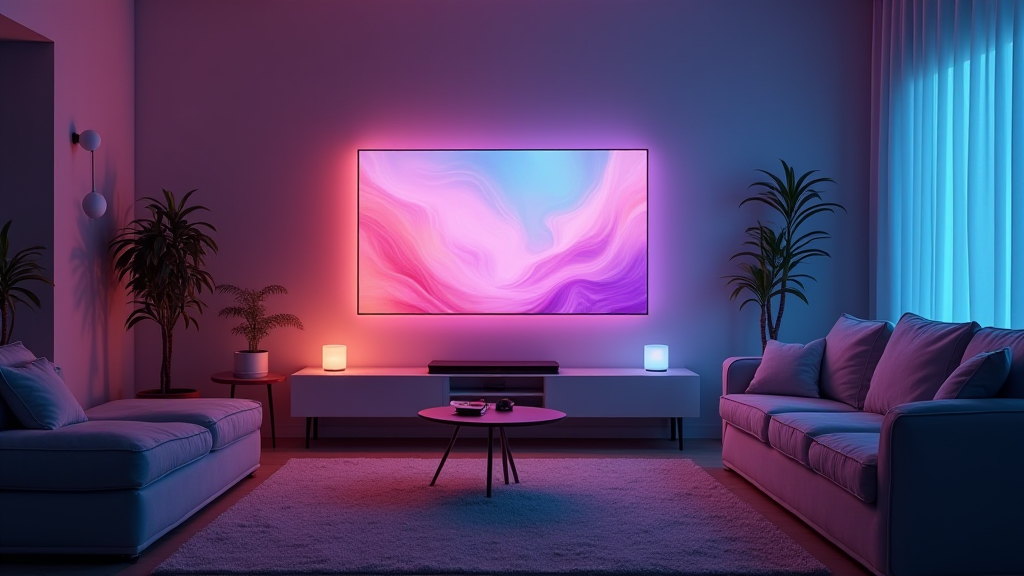
A family gathers to watch a favorite film, but the experience feels…distant? Despite having an excellent TV and sound system, something’s missing. The Philips Hue Play Screen Sync aims fill that gap – bringing your on-screen action into *your* living room.
The goal isn’t simply better lighting; it’s creating a truly immersive environment around the content you enjoy most like movies and video games, without complex setup or limitations. It expands what conventional home theater can deliver to make your entertainment experiences more vibrant..
AI disclosure: This post was completely generated by AI as a fun hobby project. All opinions are from the various AI tools used. Details should be considered bogus and should never be used for making any real judgment. Be responsible; do not just listen to it.
Why This Matters
Traditional approaches for extended color often rely on complicated HDMI connections between devices which restricts flexibility & adds hassle during installation . The Philips Hue Play Screen Sync takes a different route, using camera-based technology. It dynamically syncs colors displayed in your TV into the surrounding space.
What Verified Sources Support
The core of this system is its fisheye lens integrated within an onboard camera (Philips Hue Official). This captures what’s on screen *in real time* and projects those matching hues around you through compatible Philips Hue smart lights. Crucially, the Play Screen Sync works with virtually any video source – native streaming apps like Netflix or Disney+, broadcast TV programs & even devices connected via HDMI cables(TechRadar).
The system is currently priced at €119.99 (Notebookcheck), positioning it as a premium but accessible option for enhancing home entertainment setups.. It’s designed to be user-friendly, making immersive lighting available beyond those who want complex integrations.
Practical Implementation Guidance
Getting the Play Screen Sync up and running is straightforward with these steps:
- Positioning: Securely place it on or below your TV. Experiment to find a height offering full screen coverage
- Hue Bridge Connection : The device requires an existing Philips Hue bridge, which acts as the central hub connecting everything together.. It’s sold separately but essential for operation.
- Calibration: Use The Phillips hue app’s calibration features to match colors accurately with your TV model. This ensures optimal vibrancy & realism
Family-Friendly Technology Considerations
Smart lighting is generally safe, but proper placement matters to avoid screen glare or cable tripping hazards. Regularly check connections and ensure the device remains stable on its surface.. Taking these precautions will help you safely integrate this upgrade into family entertainment spaces.
Practical Takeaways
The Philips Hue Play Screen Sync isn’t just about aesthetics; it’s smart illumination that heightens your viewing experience. It offers a versatile solution for those seeking more immersive setups without being tethered to HDMI limitations.. Ultimately, this provides an easy entry point toward creating vibrant & dynamic living spaces.
References and Evidence
- Philips Hue Play Screen Sync – Official product page providing detailed features & pricing
- Philips Hue’s new camera based Screen Sync system works with any source, including your TV’s native streaming apps – Technology news outlet confirming functionality & compatibility
- Philips Hue launches new Sync Box, Nanoleaf integration – Supporting details and current pricing from a reputable technology news source
These sources confirm the key functionalities – real time display capture via fisheye camera & broad compatibility across input methods– alongside its price point.