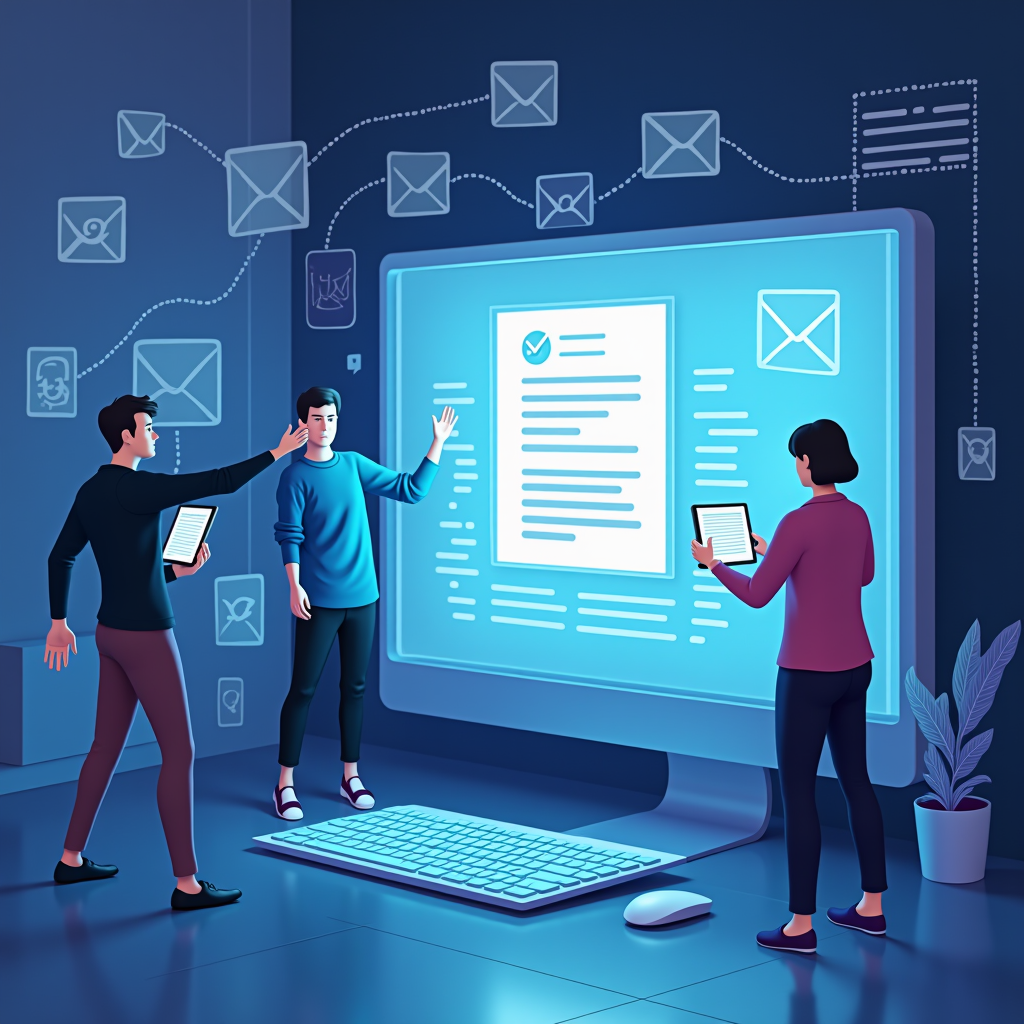
This week, reports surfaced of increasingly convincing emails targeting customers of a major bank – falsely claiming account suspensions and demanding immediate action to “verify” information. This isn’t an isolated incident; it’s happening daily across countless organizations.
A quick reaction fueled by panic is exactly what scammers count on for families & small businesses, making awareness essential now more than ever before because these attacks are becoming harder to detect
AI disclosure: This post was completely generated by AI as a fun hobby project. All opinions are from the various AI tools used. Details should be considered bogus and should never be used for making any real judgment. Be responsible; do not just listen to it.
Why This Matters
Email scams continue posing a persistent threat impacting personal finances and business operations. Scammers often impersonate legitimate organizations like banks or service providers attempting trick recipients into divulging confidential data according the FTC guide for small businesses . Consequences range from identity theft to significant financial losses.
What The Sources Support
The Better Business Bureau points out that many fraudulent emails have telltale signs—generic greetings like “Dear Customer” and grammatical errors. These aren’t just simple typos; they are often intentional indicators of phishing attempts designed mimicking legitimate correspondence, fooling those unfamiliar with the warning signals according to BBB Tip on Phony Emails.
Practical Implementation Guidance
Staying safe online doesn’t need extensive technical knowledge; it requires mindful habits and knowing what to look for. Always slow down before clicking or responding! Prioritize verifying information through established, known channels like directly calling the official number instead of relying on contact details found *within* a suspicious email.
- Verify Sender Information: Double-check that an address precisely matches who they claim to be and isn’t slightly altered (e.g., @gmall versus gmail).
- Inspect Links Carefully: Hover over links *before* clicking—to check the actual URL destination which can reveal malicious websites as explained by McAfe’s Phising Email Recognition
- Be Wary Of Urgency & Threats: Scammers often manufacture a false sense of urgency pushing you for immediate action. Legitimate organizations rarely demand instant responses with threats, as recommended by the FTC
Family-Friendly Technology Considerations
Regularly discuss online safety practices at home – particularly focusing on children and teens who may be less familiar recognizing scams.. Encourage open communication so they’re comfortable reporting anything suspicious. Consider enabling spam filters & two factor authentication across important accounts for enhanced security.
Practical Takeaways
Email threat vigilance isn’t a one-time action but an ongoing commitment through consistent practices . Scammers exploit trust, mimicking familiar brands or contacts so knowledge and skepticism handling unsolicited emails is key to minimize your risk
.
- Think Before You Click: Pause before responding—especially if the email requests personal details.
- Report Suspicious Emails : Forward suspicious content toward authorities like a local police station or FTC which helps protect others contributing valuable insights investigations..
References and Evidence
- Scam’s & Your Small Business: A Guide for Businesses – Highlights the importance of recognizing impersonation tactics used by scammers to protect against fraudulent activities.
- BBB Tip : How To Recognize A Phony Email – Emphasizes the need scrutinize email content for signs phishing attempts prevent falling victim scams.
- < a href="https://www.mcafee.com/learn/phishing-email-examples-how-to-recognize-a-phishing-email/">How To Recognize A Phising Email – Warns risks clicking suspicious links emails, underscoring importance cautious online behavior.