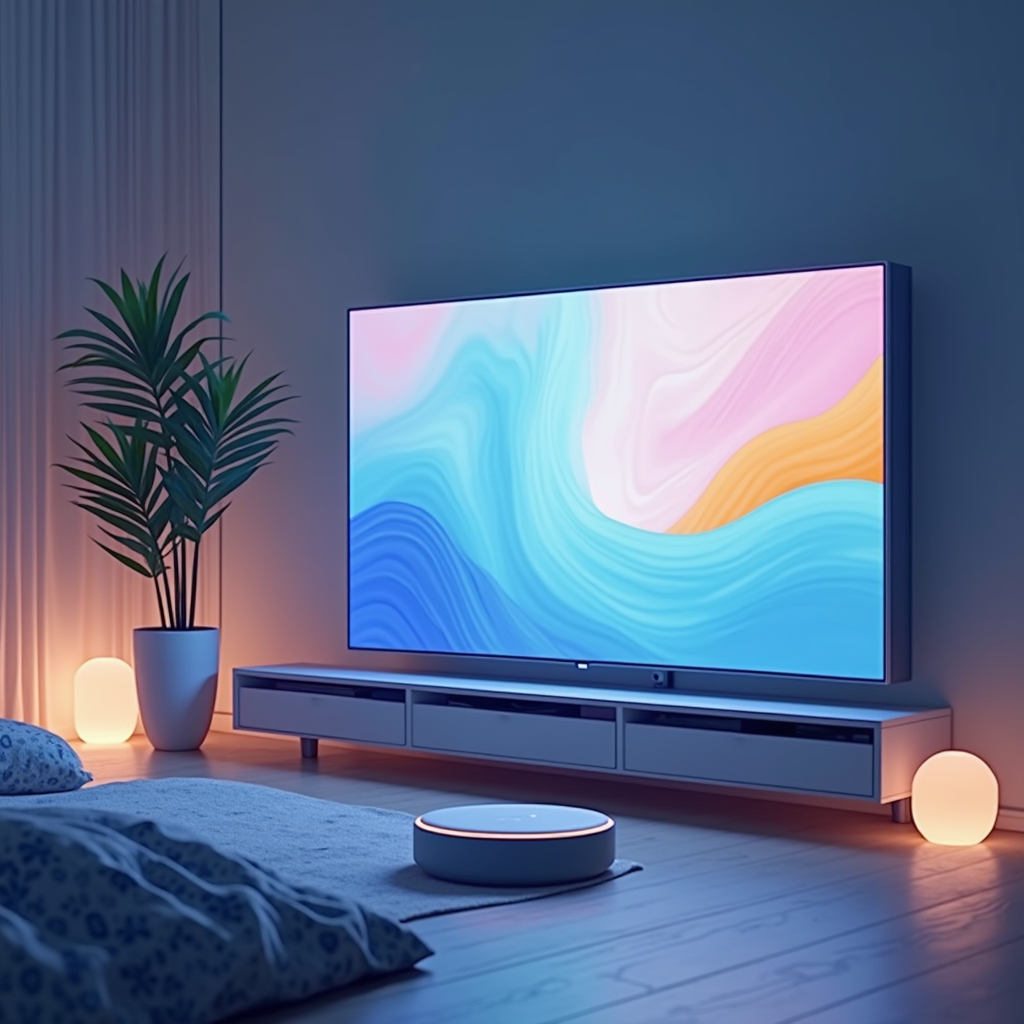
A quick glance at a smart display to check if you remembered to lock up—or verifying that an expected delivery arrived safely while away from home. This simple peace of mind is what Google aims for with its upcoming ‘Home Display,’ hinting toward converging convenience and visual security.
The potential new device isn’t designed as a replacement for comprehensive alarm systems, but rather to add another layer—a readily accessible view into your home alongside core smart features. This expands the role of familiar Google Home functionality by integrating direct camera access within its interface and builds on existing capabilities.
AI disclosure: This post was completely generated by AI as a fun hobby project. All opinions are from the various AI tools used. Details should be considered bogus and should never be used for making any real judgment. Be responsible; do not just listen to it.
Why this Matters
Smart displays currently manage tasks like music playback, schedule viewing & voice control – but often lack strong built-in security options beyond audio monitoring. Adding a dedicated integrated video feed will broaden the utility of these hubs significantly . It moves it from being an information center to adding visual awareness.
What The Sources Support
Evidence surfaced within Google’s Home app code indicates development on this new device, tentatively named ‘Google Home Display.’ T3’s reporting details a hub equipped with both smart home control and video recording features, functioning as an accessible security solution . The leaks corroborate findings in the Google Home app itself according to NotebookCheck.
Footage storage will be tiered, with the device holding up three hours of video by default before overwriting older recordings . Subscribers could access expanded options via a Google Home Premium plan—potentially 60 days for motion-triggered events or ten continuous recording. See Gadget Hacks analysis for more on storage tiers.
Practical Implementation Guidance
If this new hub aligns with your needs, consider these points once it’s available: Evaluate if the base three hours of local recording is sufficient or a premium subscription will be required. Strategic placement offers optimal coverage within key areas for better visibility and peace-of mind.
- Review Privacy Settings : Prioritize adjusting settings to control video access & data usage
- Test Camera Quality: Check daytime/nighttime clarity—lighting matters! Ensure it’s adequate for intended monitoring areas.
- Integrate with Existing Devices Explore compatibility and synergy alongside existing smart devices like lights, locks & thermostats.
Family-Friendly Technology Considerations
Because it includes an integrated camera ensure appropriate privacy measures are in place. Discuss access permissions within your family—especially with children or vulnerable adults . Clearly indicate when recording is active for transparency and to manage expectations.
Practical Takeaways
The Google Home Display aims at a more visually-integrated smart home experience, combining control & simplified security features in one place. The built–in camera offers added convenience but necessitates mindful settings adjustments regarding video storage capacity . For existing users of the ecosystem this could be an appealing upgrade.
- Convenience: One device handles both core functions and basic visual monitoring
- Storage Options :
- Privacy Matters Prioritize understanding camera access, usage and data handling practices.
References & Evidence
- Google smart home hub leak reveals larger screen and built in camera – Details the leaked features of Google’s new Home Hub.
- Leak suggests Google Home Display will serve as smart home hub with camera – Confirms the leak through code analysis within app versions.
- Google Home Display Nest Hub Max Camera: What the Leak Reveals – Provides a deeper look at features and tiered storage options.
References and Evidence
- Google smart home hub leak reveals larger screen and built-in camera – This leak suggests that Google is working on a new smart home hub with enhanced features.
- Leak suggests Google Home Display will serve as smart home hub with camera – The leak is corroborated by findings in the Google Home app.
- Google Home Display Nest Hub Max Camera: What the Leak Reveals – Analysis of the device’s camera features and recording tiers.